

I dressed up these three canvas tote bags with glitter heat transfer vinyls (HTV) that I cut them with cutting files from The Cut Shoppe.

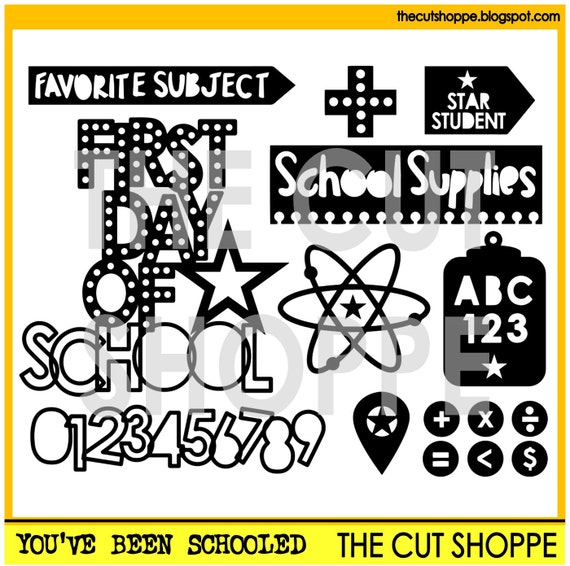
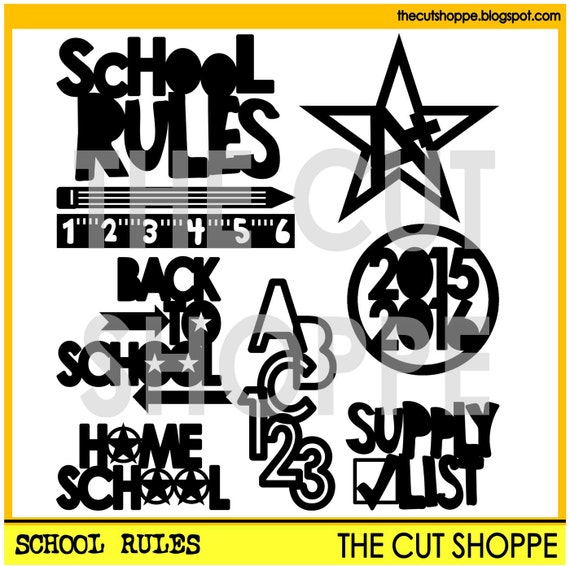
On this first canvas tote bag, I cut out the some of the images from the School Rules and You've Been Schooled. When you work with HTV and vinyl, don't forget to mirror the images, and then cut. After I cut and weeded them, I saved the numbers and letters for the second canvas tote bag.


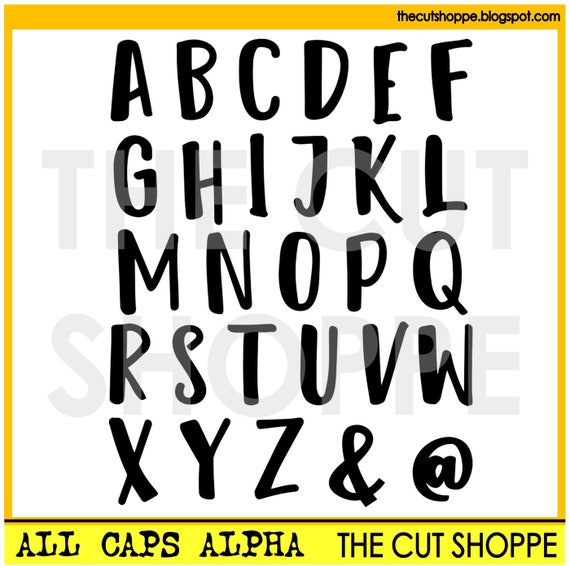
On the third canvas tote bag, I used the All Caps Alpha cutting filed to create the words: Teach and Inspire. With alpha cutting files, you can create any word you want to put on your project!
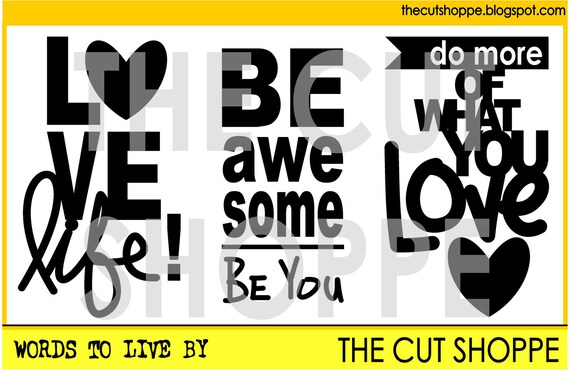
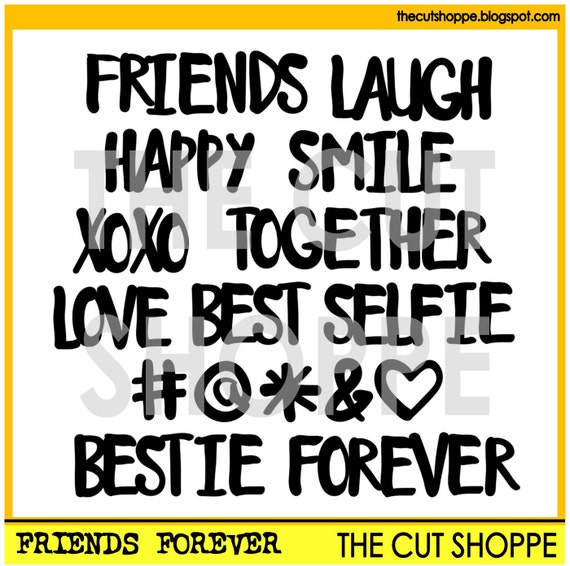
For the love heart image, I welded the heart image from Friends Forever and the word "love" from Words To Live By cutting files. Before I welded them together, first I removed the word "life" from the "Love Life!" using the erase tool on Silhouette Studio.
After I arranged them in the space where I wanted them to be, I mirrored them, and then cut. Then, I ironed them just like the first 2 tote bags above.
Creating these canvas tote bags is super fun. I love the options what I can do with digital cutting files on projects I want to create.
I hope today's projects give you some inspiration to try something new with The Cut Shoppe cutting files! Thank you so very much for stopping by today. Have a fabulous day!


