Showing posts with label card. Show all posts

Friday, August 31, 2018

Hello Fall | Helen Gullett


Hello everyone... We are at the last day of August already! Kids are back to school and Fall is on its way. It is one of my favorite seasons.

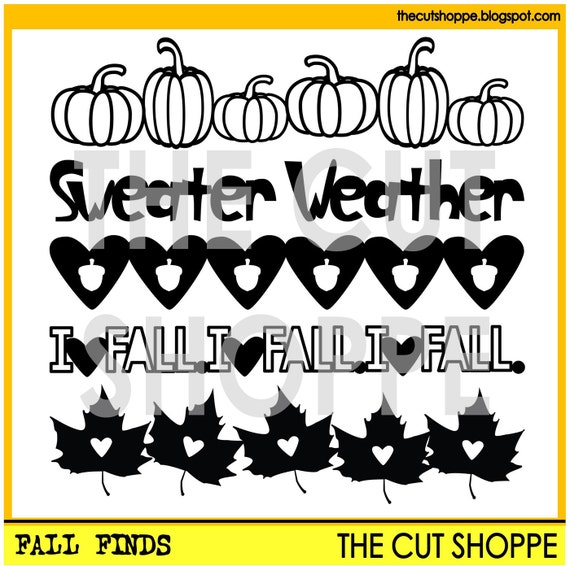
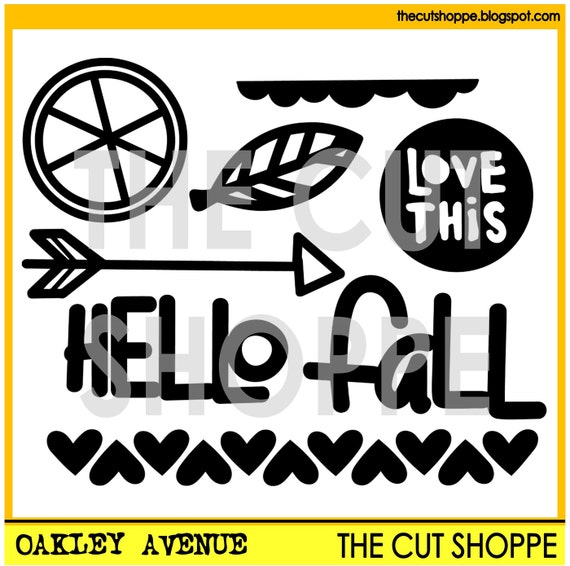
Welcoming Fall season, today I have a Fall themed card to share with you that I created using Fall Finds Cut Files and Oakley Avenue Cut Files.

I used Fall themed patterned paper that I have on my stash for the background. 

I use the pumpkin border from Fall Finds Cut Files and create the border for the card. I open the file with Silhouette Studio Software and ungroup them. I drew a rectangle.
I resized both the pumpkin border image and rectangle into 5.25" width. After that I weld them together.
I cut it with my Silhoeutte Cameo light using orange cardstock and then I added the backing cardstock using dark orange color. I trimmed the extra with micro-trip scissors.


For the sentiment for this card, I used one of the phrases from the Oakley Avenue Cut Files. I opened the file and ungroup them. I grouped back the word "hello" and "fall" and then resized them to fit on the card.

I cut several of them with heavyweight white cardstock.


I decided to add some gold foil on the pumpkins. So, I added tacky glue on the lines using felt bullet tip glue pen (I used Martha Stewart brand). I let it dried till it turn clear and then I added the gold foil paper on it. Some of the glue dried completely but I kindda like how the gold foil on the pumpkin becuase of it. It look like distressed gold pumpkins now...

I added the patterned paper on the white card with adhesive glue, and then I added the gold pumpkin border. After that I added the sentiment at the space on the pumpkin border.

The card is done. I hope you all enjoy it and see you all next time!


Friday, May 25, 2018

Espresso Yourself ~ Cards In 2 Ways | Helen Gullett

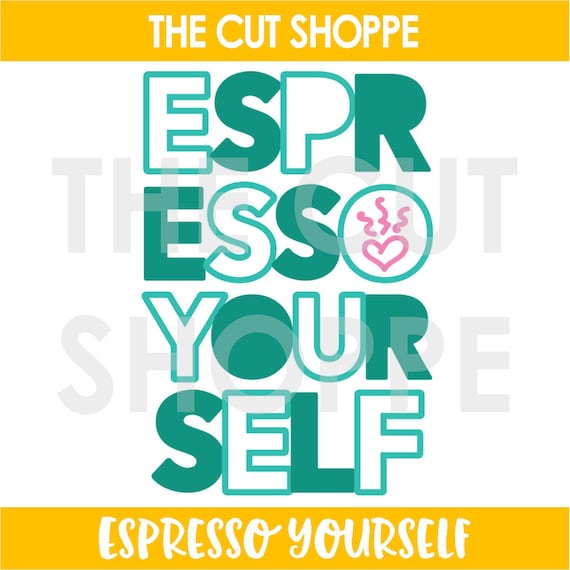
Hello everyone... Helen is here and today I have 2 cards that I created using the Espresso Yourself Cutting File, one of the new cutting files from The Cut Shoppe that just released last week.


On these cards, I am using both positive and negative cuts. This way, you can use to make 2 cards with just 1 cutting file. 

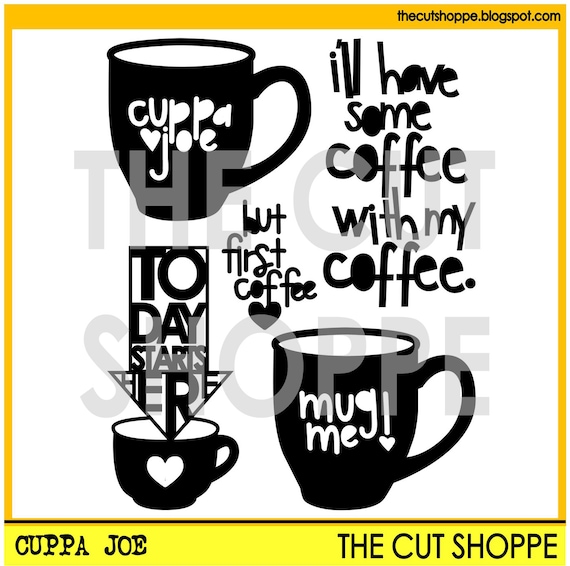
On my cut out, I modified the Espresso Yourself cutting file a little bit. Instead of the steamy heart image, I replaced it with one of the mugs from the Cuppa Joe cutting file


On this first card, I added the words on dark brown/white polkadots paper with dries-clear adhesive glue. After that I fussy cut the extra paper off the words.

I added some shadow on the words using Vintage Photo Distress Ink and foam applicator. After that I added on the card with 3D foam tape for extra dimension to them. I love how those words turned out, they look like chipboard words. On the background, I added a softer look patterned paper. 


On this second card, I added the cut out panel on a light brown/white polkadots patterned paper with dries clear adhesive glue and then I added the whole panel on a white card. 

Using digital cutting files, it quick and easy way to create handmade cards.


If you are coffee/tea/cocoa lovers, you are invited to join this fun Coffee Lovers Blog Hop and Link Up Party this week. You can link up any of your Coffee/Tea/Cocoa Spring and Summer theme projects until June 1. There are many prizes to win! Check out more details at Coffee Loving Cardmaking Blog.

Thank you so much for stopping by today. Hope you all have a fabulous caffeinated day!


Friday, April 13, 2018

Framed Mum Shaker Card | Helen Gullett

Hello everyone... Helen is here today sharing my first project as The Cut Shoppe Design Team. I am so excited and thankful for this opportunity to create with Ashley's cutting files and be part of her amazing team.

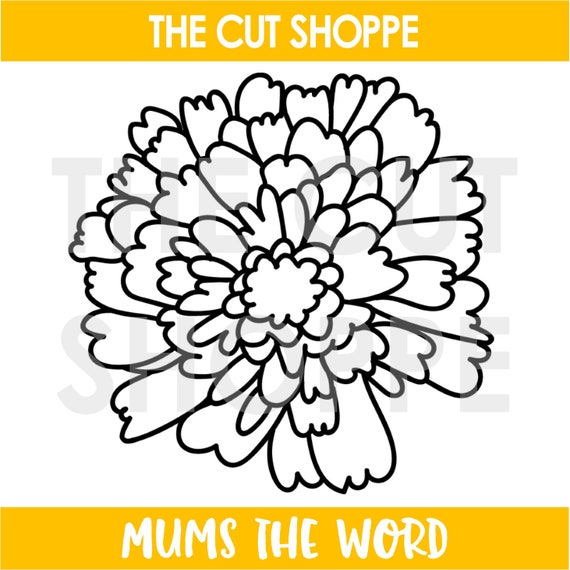
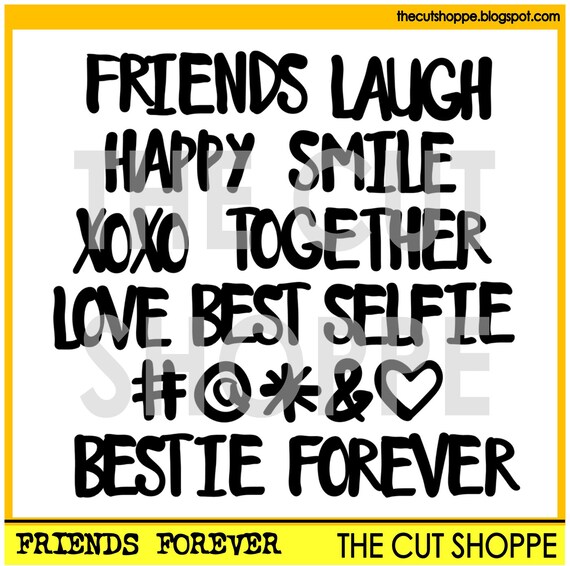
For today project, I created this Framed Mum Shaker Card using the Mums The Word cutting file and Friends Forever cutting file.


I started with creating the Framed Mum panel. I opened the Mums The Word file using Silhouette Design Studio Designer Edition. The file is in PNG, so I created a cutting line for the flower by tracing it with Trace Tool. After that, I selected it and then created compound path for the flower.


Next step is to crate the frame. I drew 2 squares (5" and 4.5") and I created compound path for both squares. I dragged the flower to the front of the square frame. I resized the flower to slightly bigger than the small square. The line have to be overlapping each and then I clicked Weld. And we get the Framed Mum flower and I cut it with my Silhouette Cameo using Heavyweight White Cardstock.


I then open the Friends Forever cutting files, I resized the words and cut them with my Silhouette Cameo. 

For the background of the shaker card, I created a watercolored background. I added the Distress Inks on craft mat, sprayed it with water, dipped the watercolor paper, and I dried the color with craft heater on each time I dipped into the ink. I trimmed the watercolored panel into 5" squares.

I still have some orange and yellow ink left on the craft mat, so I dipped the SMILE letters into the ink to add colors to them. Once they dried, I added some dries clear adhesive glue and dipped them into fine clear glitter for the extra sparkle on them :)

It is time to put the card together. First I added the vellum paper on the Framed Mum panel, and then I added foam tape all round it. I sprinkled some of the sequins and fine glitter on it and then I added the watercolor background panel on top of it with dries clear adhesive glue.

I added the shaker box on the 5.5" squares card with lots of adhesive and then I added the sentiment on it. I finished the card by wrapping around some Natural Twine Ribbon on top of the card.

My card is done. Here are the files that I use on my project today:


I hope this give you an inspiration to create with The Cut Shoppe cutting files! Have you checked the new cutting files at the store yet? They are amazing! You'll love them.

Thank you so much for stopping by today! Have a wonderful day!


Saturday, June 3, 2017

Quick Card for Hectic Schedules

Hello Cut Shoppe friends! I don't know about you, but life just seems to be crazy right now - leaving very little time for creating. Today I'm sharing a cute card for boys that I put together in about 30 minutes - because that's all the time I had!

For this project, I used the Notebook Doodles cut file from The Cut Shoppe with the Crate Paper Cool Kid collection.


I

I seriously had a very small amount of time to create this card. As a teacher, this is a very busy time of year and I have little spare time. To begin, I cut the sentiment using white mixed media paper that I painted yellow with water colors.

I used two pieces of patterned paper, which I layered on top of one another and adhered to the white card base.


After adding the sentiment with foam squares, I placed a few embellishments above and below for added color and texture.


To complete the card, I used a few enamel dots from my stash in colors that match the embellishments and papers.


Thank you for visiting! Be sure to stop by The Cut Shoppe blog each day for more inspiration from the design team.


Friday, December 2, 2016

Five Minutes Christmas Card

Hi Girls! It's Flóra here with a seasonal project. We are still in time with Christmas Card but it can happen that we need something in the last moment. I thought it would be smart to share a five minutes card.


These cool titles from Christmas Magic cut file set can save the day. Enlarge the sentiments and cut them out from a fancy paper. For this project I used a gold glitter cardstock. It's so festive and shine you don't need much more to finish off your project.


I added only few stickers and enamel dots to embellish the card. Use a colorful cardstock as a base and a matching envelope.


Other fast way to make card to use a background cut file from The Cut Shoppe. For this project I used the Snow Day 12x12 cut file. 


I cut out nine snowflakes from a 6x6 cardstock and back it with pink, teal and gold glitter paper. I decorated with a big chipboard element and also added sentiment stickers.


Smart to use cut files for fast and easy projects, and also great solution if you need to make "serially-manufactured" cards.


I wish happy preparing for Christmas! Thanks for stopping by! ;-)


Friday, August 19, 2016

One cut file set, three cards


Hi The Cut Shoppe fans! It's Flóra here with three pretty 6"x6" cards. I used the Love Struck cut file set and Pink Paislee - Paige Evans Take Me Away collection.


For the first card I cut out the heart with the sentiment and placed them on a sheet of vellum and patterned paper. In the right corner I used some pretty embellishment from the same collection.


For the second card I used the LOVE title. It's so totally cool. I love it. You can see this card has a totally different style.


The third card is made with the handwritten heart. I fussy cut flowers from Take Me Away patterned paper and decorated with them my card.


Visit The Cut Shoppe to purchase the Love Struck cut file set  and don't forget to show us your creations!
Thanks for stopping by!
Flóra

Monday, March 14, 2016

Handmade Cards

Hello.


As you all know I'm not very good at making cards, however when I saw new printable available from cut shoppe I decided to make some.


I have prepared for you 3 different types , hopefully it will give you an idea on how to make some simple ones using cut files.


Products used:


hugs

xoxo