Showing posts with label shine on. Show all posts

Monday, July 1, 2019

shine on | orange gearle

Hi! Happy July! Orange Gearle here with a layout using the Shine On cut file. Here is a look at my layout:


I cut the file as big as I could, in fact, when I set it up in the software I had parts of it going off the page. I knew I wanted it to look like the stars were falling off the bottom of the page.  Next, I backed the open stars with blue and red papers. I also used a Shimmerz mist to make more red stars out of the leftover stars after cutting. I added those to the page.


I set up my software to cut just the bows out of blue papers, and glued those on to add a bit more color, texture, and interest.


Finally, I used a punch to punch out a few smaller, blue stars and scattered them about the page.


The title comes from a line in a song -- and it is also on the girls's shirts in the photo!


Thanks for stopping by! See you again soon! XO o.g.

Sunday, August 19, 2018

"Memories" with Kira

Hello again friends!  It's Kira and I am back with another 8.5x11 scrapbook layout.  Here's a look at my page:


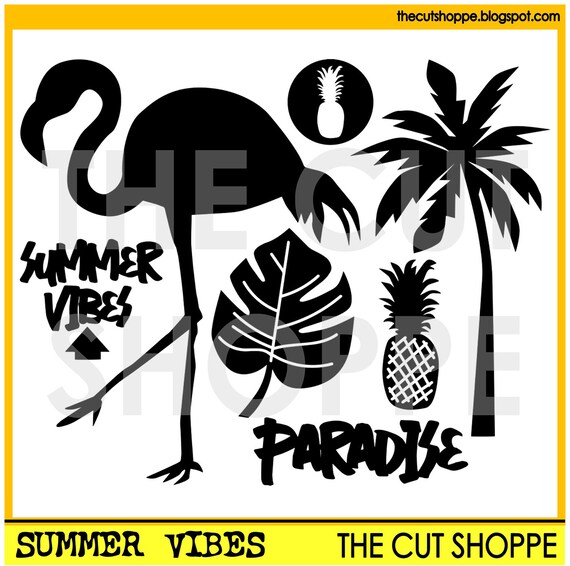
I started with this ADORABLE picture of my youngest son.  We were at the zoo and despite having a super fun time, he likes to give me all the sass he can muster for a photo.  I decided to play off the palm trees in the background of this photo and use the Summer Vibes cut file from The Cut Shoppe.


I started by duplicating the palm tree image so I had three on my page, and resized them to various sizes.  I also flipped one so they wouldn't all be leaning the same way.


Then I took some smooth watercolor paper, and lightly traced where my trees would be on the paper once I backed the cut file.  Then I used my watercolors to paint each tree a different color.  Since I planned on using mostly Amy Tangerine's Shine On collection, I kept my colors in the same palette of that.


Once my watercolor was dry, I adhered it to the back of my page.  Then I decided to add some texture to my layout by hand stitching around my palm trees in coordinating embroidery thread.


Then it was just a matter of embellishing the page!  Thanks so much for stopping by!


xo, Kira


Monday, August 6, 2018

"Home Brew" by Kira

Hello friends!  It's Kira and I am back with a layout for our very first Facebook challenge!  If you haven't heard, The Cut Shoppe Scrap Spot is now hosting monthly challenges, which gives you the opportunity to win some cut files!  Kelly is hosting this month's challenge and you can read all about it here.


I decided to go big with my title.  I love big titles on a page, so this challenge was perfect for me to make another HUGE title.  I started with this photo of my husband's very first home brewed beer.  I recently purchased him some home brew supplies so he could have his very own hobby (which we all know is so important, right?!).  Since there's no beer themed cut files in the shop (hint, hint Ashley), I used the Brush Up font to create my title, "Home Brew".


I cut the title out vertically on my page, using a patterned paper background.  Then I added some foam behind my background paper, around my title before adding some white cardstock behind my title.


I used the newest Amy Tangerine collection, Shine On, sticker book to fill up my letters.  I love all the little flowers and leaves peeking out from my title.  I also added other tiny elements like sequins, puffy hearts and flower ephemera.


I added my photo next to the word "brew" and added some more embellishments to the page.  And I just love how this turned out!


Make sure you join the Facebook group so you can join in on this challenge as well!  Thanks for stopping by!

xo, Kira