Showing posts with label gallery wall. Show all posts

Friday, June 22, 2018

Be YOU | Helen Gullett

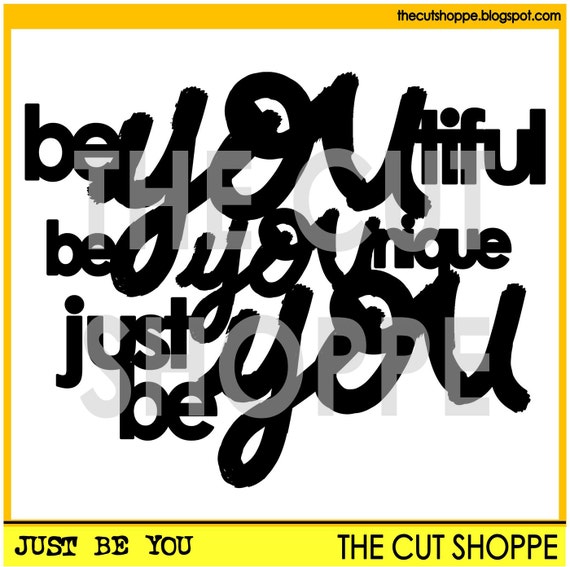
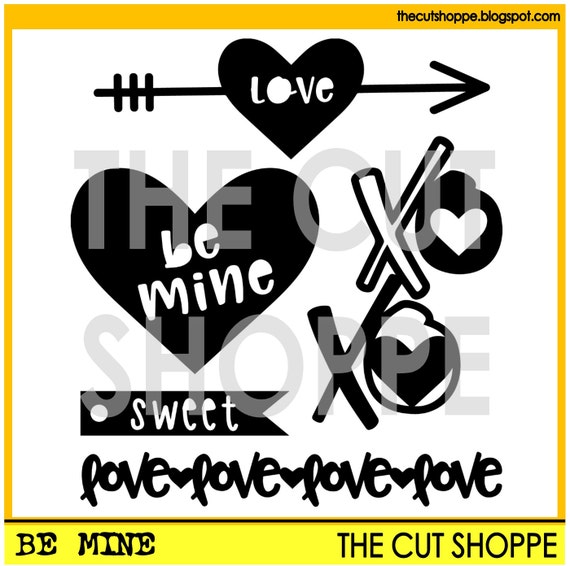
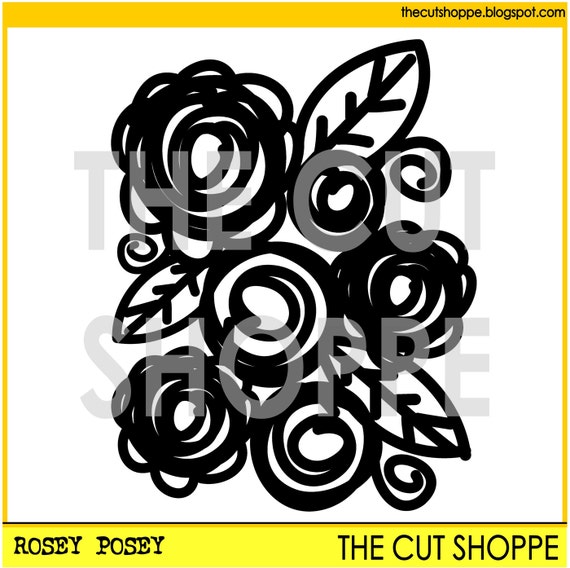
Hello everyone... Helen is here today with a baby scrapbook project to share with you all that I created using the Just Be You cut file, Be Mine cut fileRosey Posey cut file, and Gallery Wall cut file.


I have been putting this project aside for a while and when I joined the team, I am jumping back into scrapbooking :) I hope I can get more layouts done this season. I used Smash Book for my daughter's baby book.


On this page, I used the Be Mine cut file to add the title on top of the baby picture. I secured it with fabric botton. For the background, I added some paper doily, patterned paper, and washi tapes. I embellished this page with some foliage gems, butterflies cut outs, and some fabric flowers. I doodled the tracks for the butterflies using white gel pen.


I cut out the Rosey Posey cut file after I resized it. I used watercolor paper and then colored it with Arteza Real Brush Pens and Wink Of Stella Brush Pen for extra glitter and sparkles. I wish my camera could capture the sparkles on the flower. And then, I set it aside to dry while working on the next page.


On this page, I cut out the Just Be You cut file using black cardstock, and then I colored it with Gold Paint Marker and traced the edge with White Paint Parker. They are acrylic paint markers and they dry quickly. I added the cut out on the page with dries-clear adhesive glue.

I resized one of the arrows from Gallery Wall cut file and then cut it out of white cardstock and added it on the page right below the title with dries-clear adhesive glue.

I added a piece of white cardstock on the back of the Rosey Posey flower with dries-clear adhesive, fussy cut the extra paper, and then added it on top of the arrow with adhesive glue.

The pages are done. I hope you all enjoy today's project and be inspired to create with The Cut Shoppe cutting files.

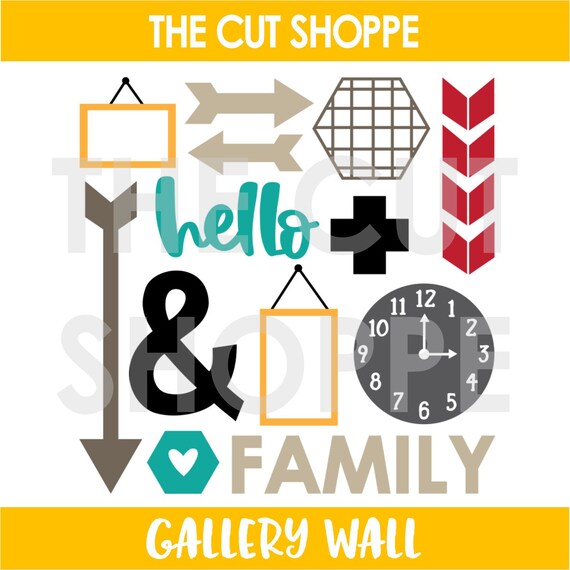
Here are the preview of cutting files I used on my layouts today where you can find them all at The Cut Shoppe Store :)

Thank you so much for stopping by!


Sunday, April 15, 2018

Gallery Wall | Kelly Janes

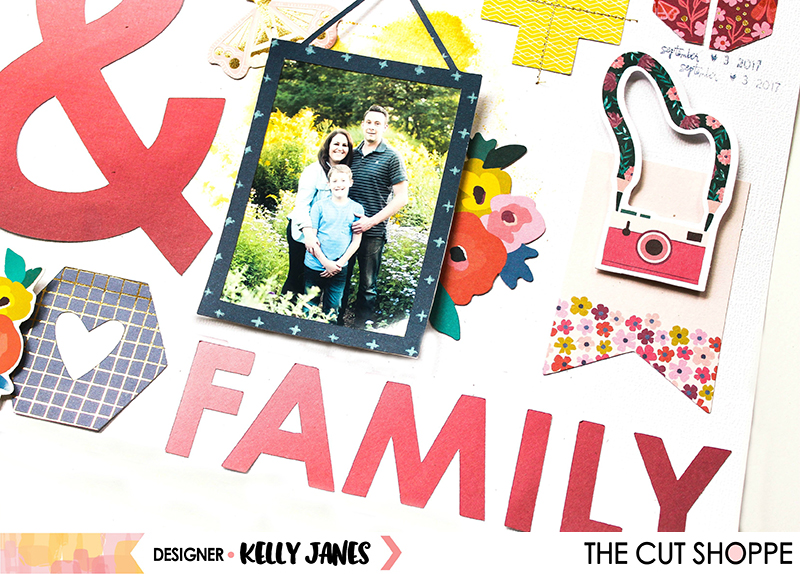
Hey there friends! Kelly here today to share my first layout for the new Design Team term! I can't even begin to express how excited I am to continue on with The Cut Shoppe for another 6 months!


For my layout today, I used the Gallery Wall Cut File and I used almost every icon from this set. I started in Cricut Design Space by slicing apart the cut file and then resizing all of the images to fit around my 2.5 x 3.5" photos.


I didn't need a lot of embellishing because of the large images and the bright colors from the Paige Evans Pick Me Up Collection. The cut file did a lot of the embellishing for me...which I love!


Now you can take a look at my process video which includes a Cricut Design Space tutorial.


Thanks for spending part of your day with me! Remember to head to The Cut Shoppe Etsy Store to check out all of the cut files & digital collections!


Thursday, March 22, 2018

Framing It! | Elsie Robinson

Hey friends, it's Elsie here! I had a bit of a tidy-up in my craft room last week, and as I was sorting through some of my paper stash I realised I had a lot of woodgrain patterned papers, like... a lot! I knew I loved woodgrain papers, but I didn't quite realise how much - haha! So I set them aside to use on my next TCS project.


I've had this gallery wall layout idea in my mind for quite a while, but have never gotten around to making it for one reason or another. But with my pile of newly-found woodgrain patterned papers and the Gallery Wall and Picture Perfect cut file sets, I finally got around to making this page! 


I started by arranging the frames in my Silhouette software to plan the design I wanted for my page. This streamlined my whole process, because I could cut the frames out in one go, rather than "winging it" and being left with frames that aren't sized correctly and wasting my beloved woodgrain patterns!


Before I backed each frame I realised that I wanted some white borders on he inside of the frames as this helped all of the patterns stand out. You could do this on your cutting machine, but I traced the outline of the frame and cut them with some scissors, which wasn't too difficult to do.


This design is a great way to show off lots of your favourite designs and colours of patterned papers, in a very neat and tidy way! 

And since this was the first layout I made with the Crate Paper Maggie Holmes Flourish collection, I was like a kid in a candy store and wanted to use everything, so this design was perfect to use a lot of patterns in one go!


There really wasn't much more to add to this page because the beautiful cut files made this page come together so effortlessly. But I popped each frame up onto some foam and used a white brick patterned paper as my background (also from the Flourish collection).

I love the combination of the brick and woodgrain frames, as it adds a lot of texture and kind of creates a realistic look!


This page turned out so much better than I thought it could and I really love it! So much so that this gallery wall layout is currently hanging on the gallery wall in my craft room... so meta! ;) 

Thanks for stopping by everyone, I hope your inspired to use some of the frame cut files available in the store!